(Kr published here means:
game runs standalone server in kr region,
released in kr region Playstore,
download + payment must be done in kr region store)
Example:
Last Origin (라스트오리진)
HorizonWalker (호라이즌 워커)
Unlike Browndust2 or E7 which have multiple global servers.


You may already have Playstore version game client(apk/xapk file) installed on your device,
likely from qoo-app store or apk**** site
Next step is getting you payment through———————————————–
1>> If you have an old G account with credit card linked, kr region set
Then just use old G account to pay
Only remember: on your Android device,
former signed in account with allowed payment method is used to pay
If you messed this up, use Android emu instance fresh start, login payment acc first, then do rest
2>> If you do not have:
G account with credit card linked set in kr region
Then create new G account or change an old G account payment profile to SouthKorea.
For new account:
after creation, use a browser to visit G pay / G payment center page to complete card linking, go to #2 section of paragraph below, then follow steps.
For old account:
Need to follow these steps
#1 Clean old payment profile
#2 Create new SouthKorea profile + link your own credit card info
#3 Check correct playstore region & confirm payment order on device &Pay in G ver game
#1 Cleaning.
Visit G Pay or G payment center on your browser (must be browser version page)
Login your G acc, go to payment options page, scroll down & close your old payment profile.
Beware that when closing, old points, giftcard balance linked to that profile will be wiped.
#2 New profile.
After closing old, visit your G payment manage page again, this time add a new payment method.
Adding credit card will pop up a form.
In the meantime get a public establishment address in KR, like a Library, univ, gym etc
find the address containing
______dong, _____gu, City name, postalcode (sometimes written at beginning) .
Add your card info, fill in the address you just found.
Remember that XXX-gu and postalcode should fit & your card info correct.
If correct the info will pass and your can see your new payment profile now.
Check region and your name.
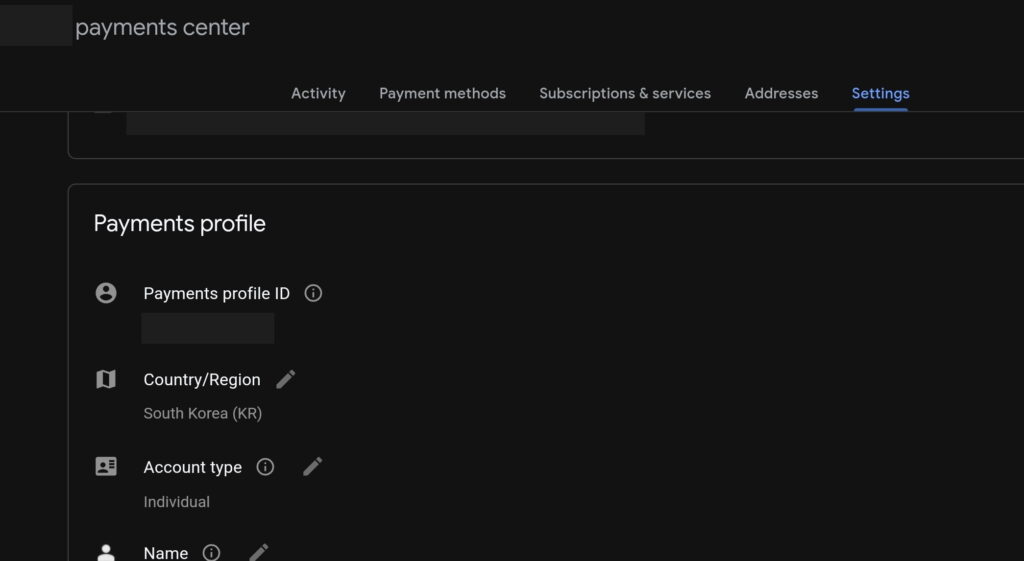
#3 Setting up your device.
Now you can finally use Playstore application.
Get in Playstore, find your game, if see a Korean text title then, store region is set correct.
Check your logged in G accounts on your hardware,
Only earliest signed in account with correct payment method will be used.
If you accounts are messed up, log them out and sign in all over again later
(be carefull if you forgot credentials).
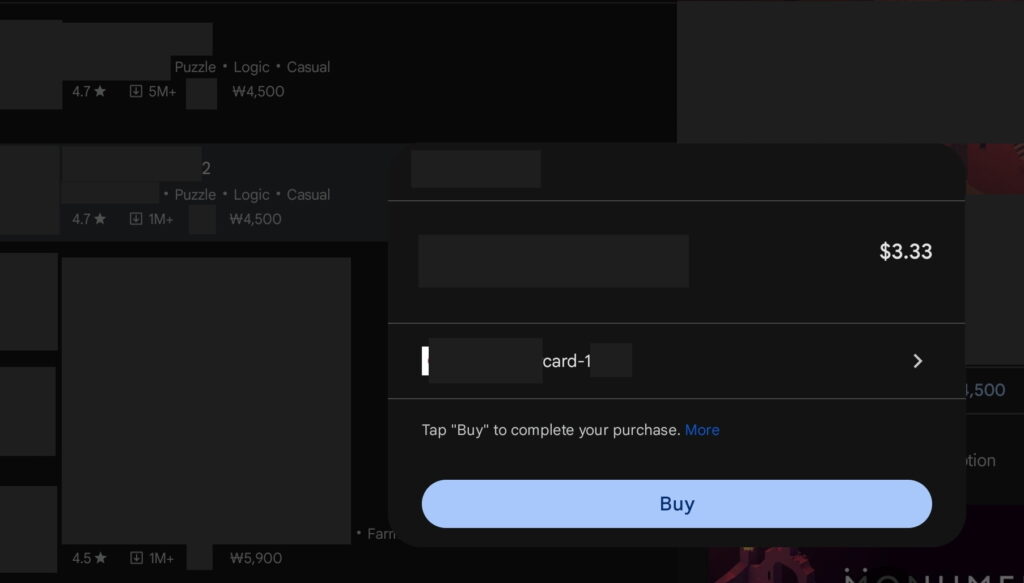
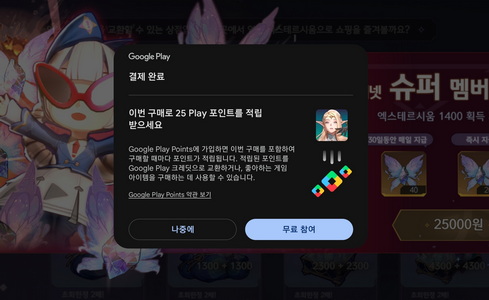
On your hardware device, get in your G version game, try buying item you need, should see a pop-up with your card info shown.
I tested on emulator got an error so this step should be done on your hardware device.
Device may also ask for setting lock screen pass etc, you can handle that fine.
Thanks to Envy & csc unit in Rendermax DC channel for some info, and many users in HK/TW community sharing latest game xapks.
egg_bangbang
blog.eggbangbanggaming.link
2024-10-12nd
Leave a Reply
You must be logged in to post a comment.